Brush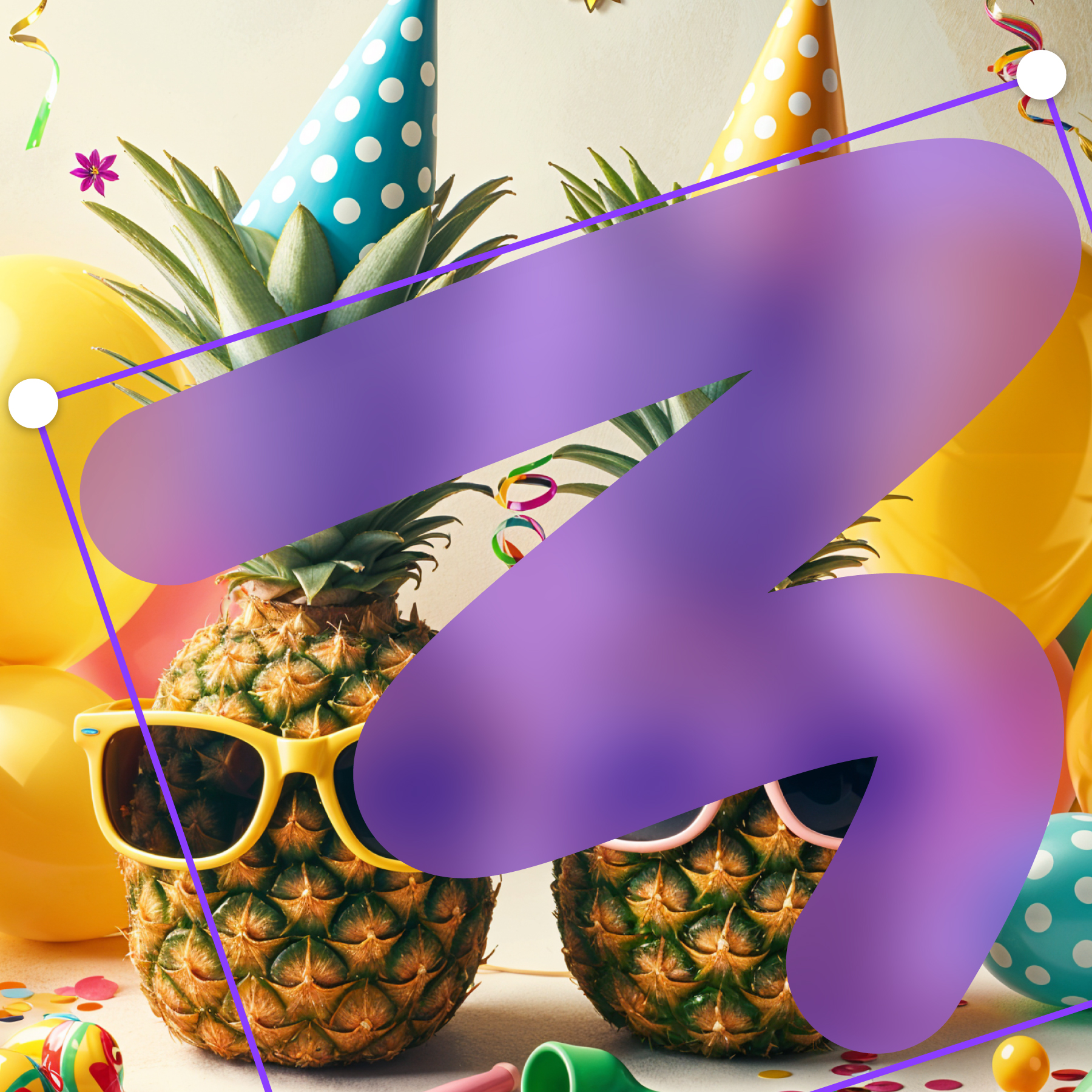
01 / BRUSH
Paint privacy exactly where it belongs.
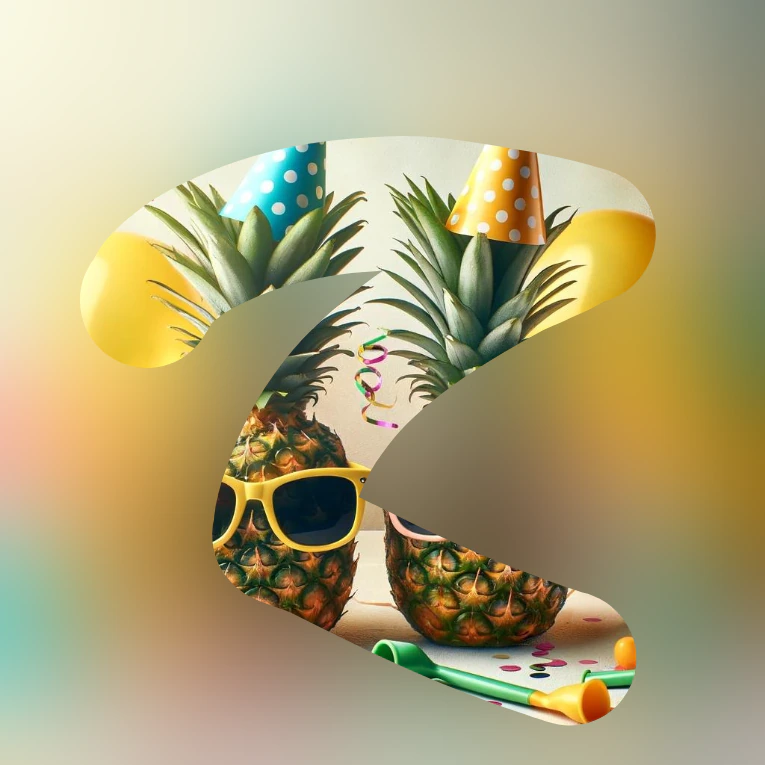
Use a soft brush for faces, number plates, names, or anything that refuses to fit inside a neat box.
The easiest way to blur faces, backgrounds, text, or objects.



 App
App
Brush over a face, shape an exact area, or blur a line of text. Frame Blur keeps the workflow light and your image on your device.
Soft and subtle or loud and obvious. Choose the mask and effect that fits what you are sharing.
Use a soft brush for faces, number plates, names, or anything that refuses to fit inside a neat box.
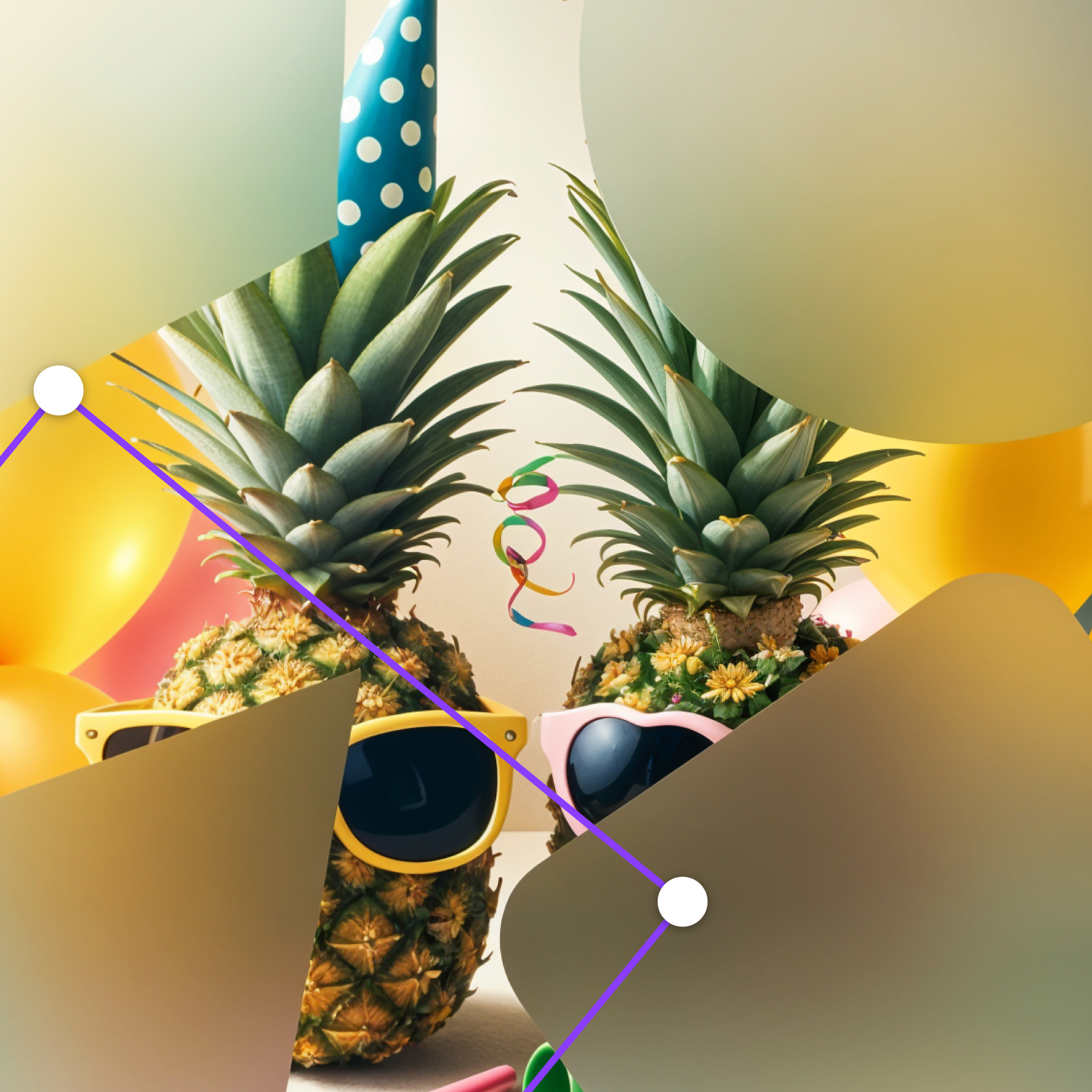
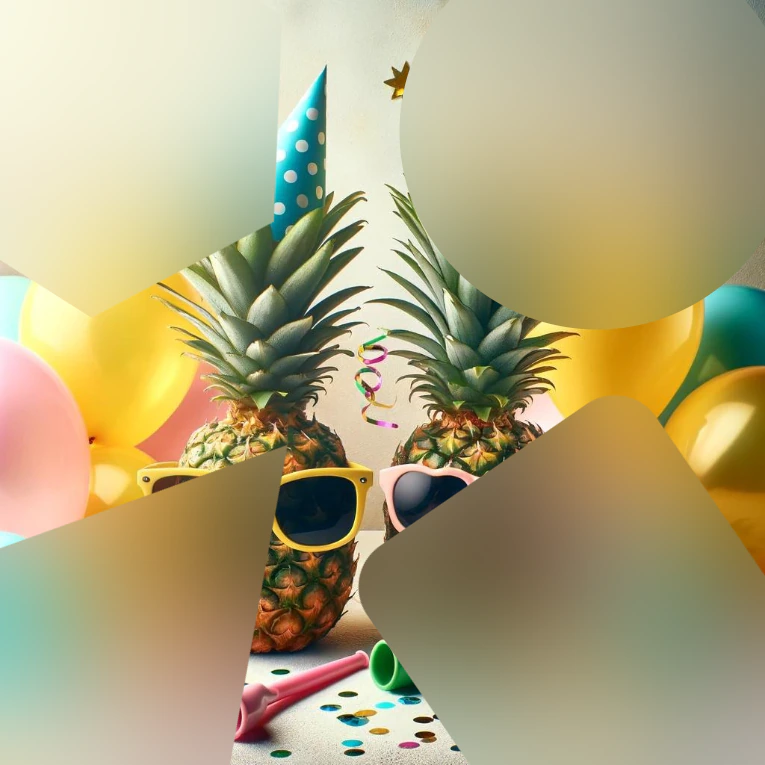
Drop in circles and rectangles, then resize until the sensitive part is perfectly covered.
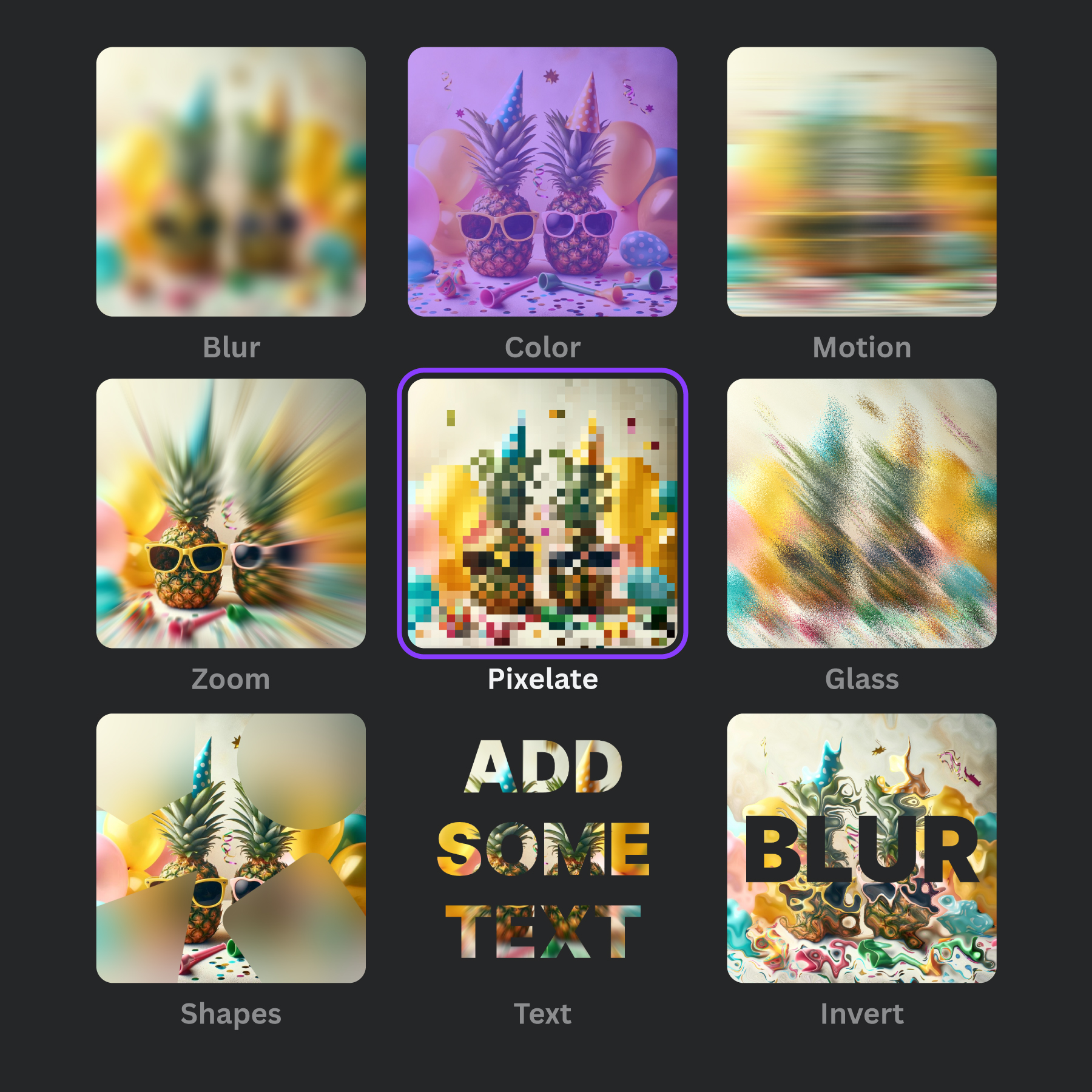
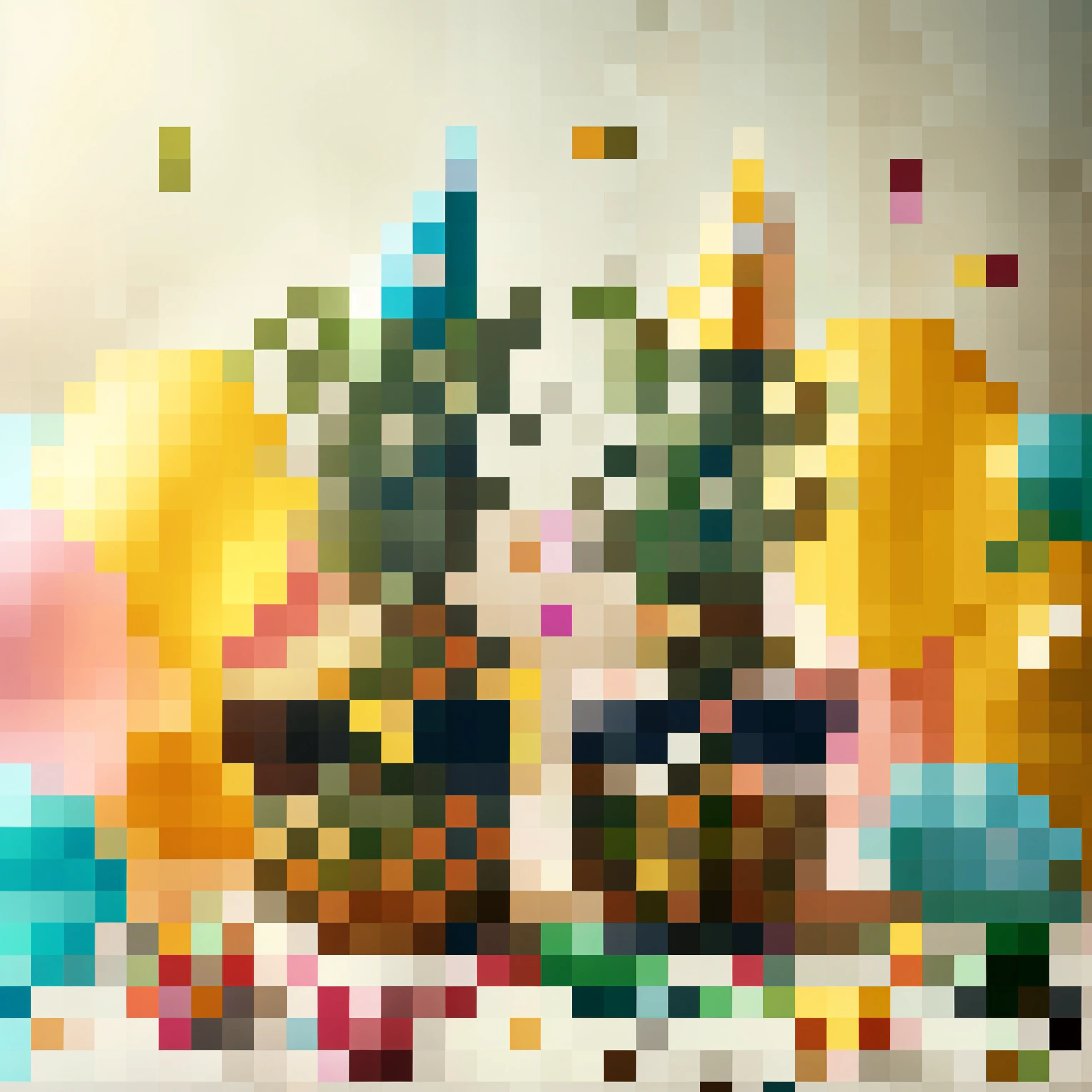
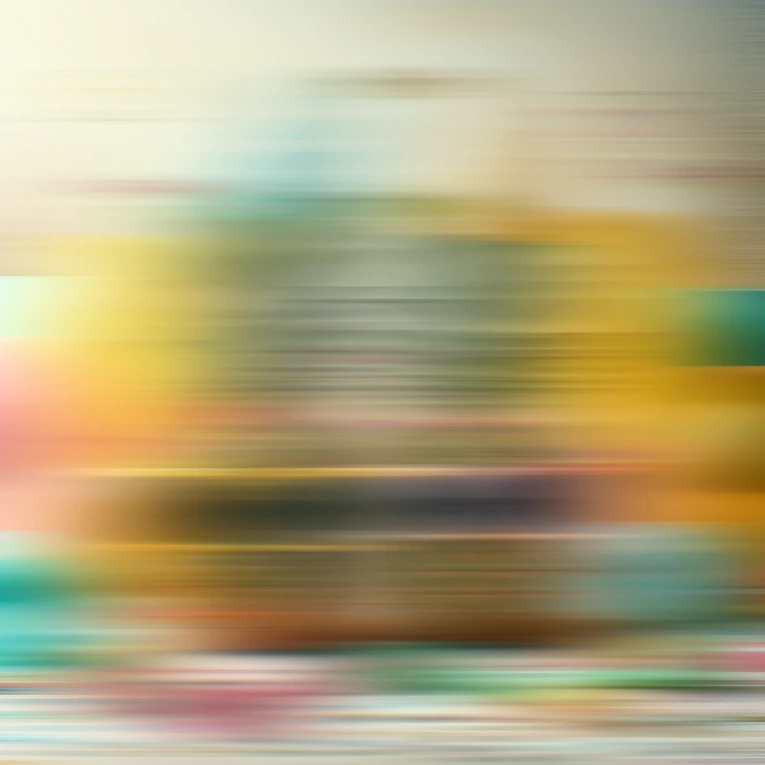
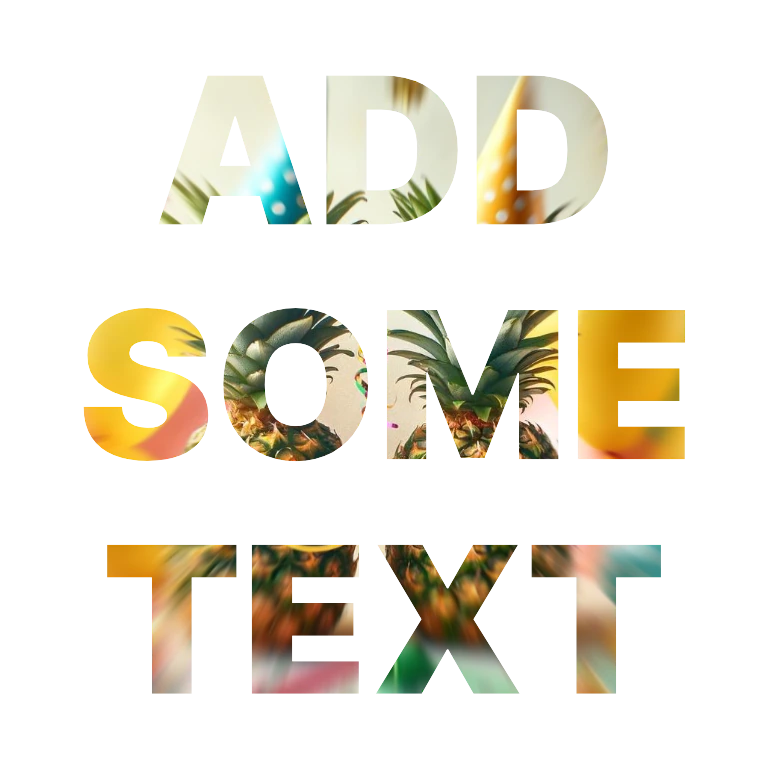
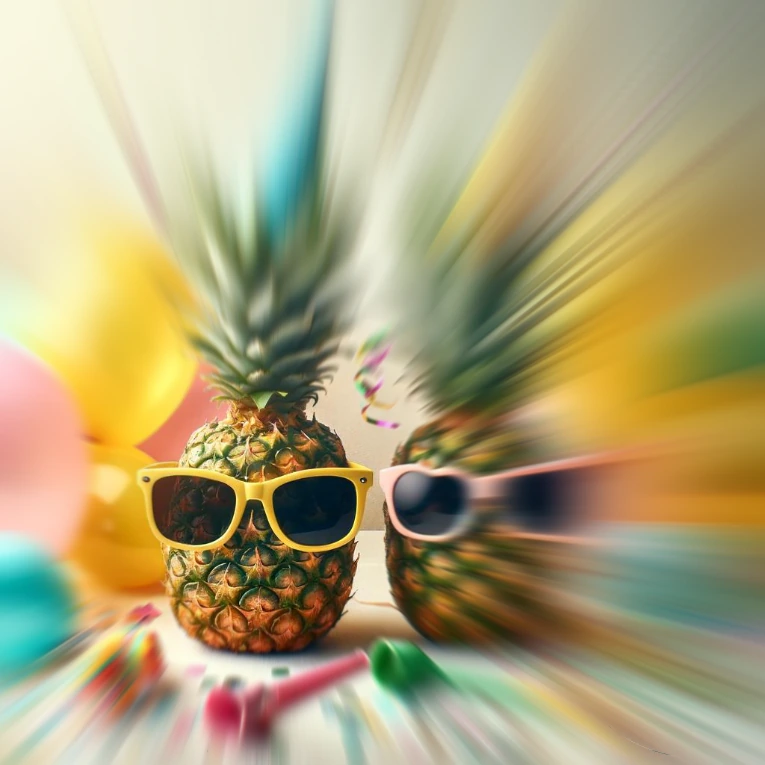
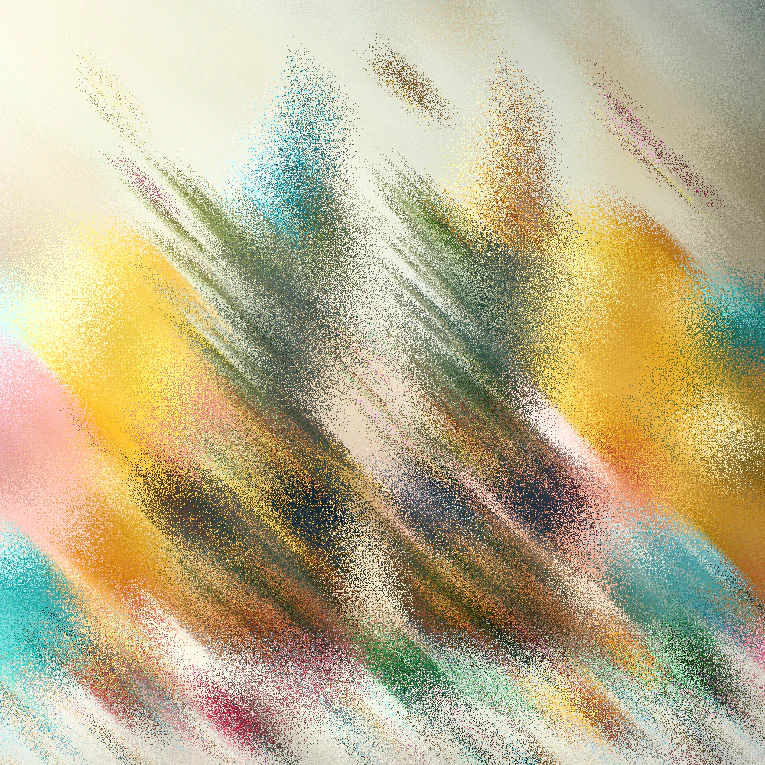
Gaussian, motion, pixelate, glass, bloom, halftone and more, without opening a heavyweight editor.
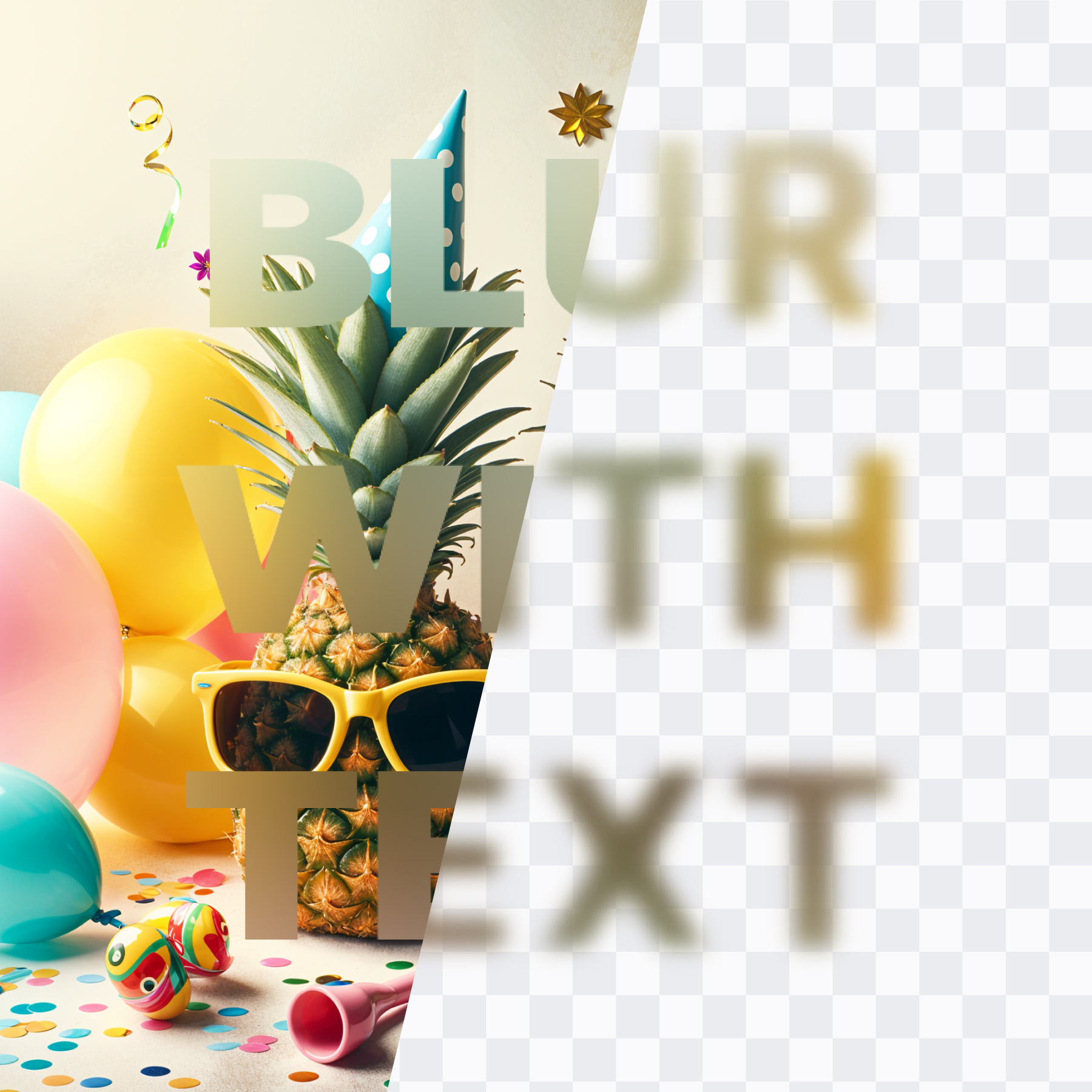
The useful bit stays sharp. The private bit becomes nobody else’s business.
No onboarding maze. No twenty-tab tutorial. Just choose, mark, and download.
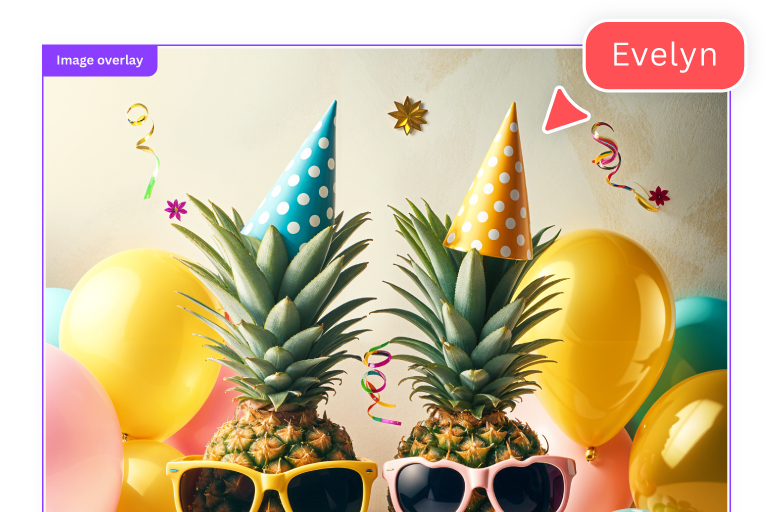
Choose a JPG, PNG, or WebP up to 50MB.
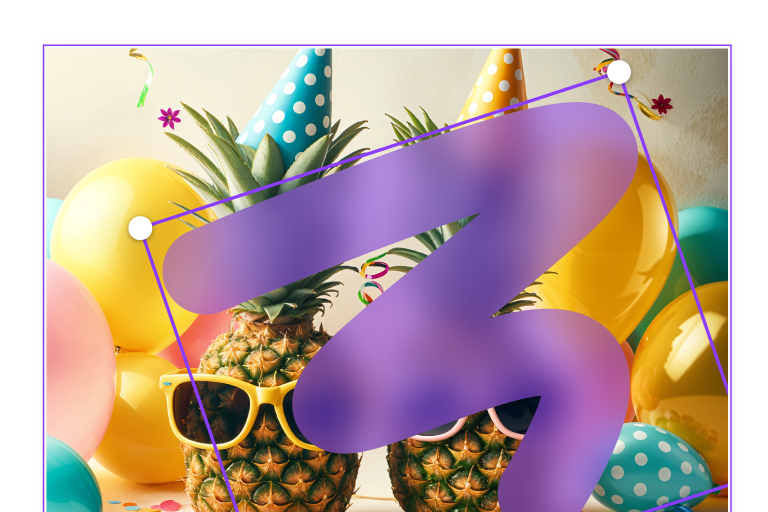
Brush, shape, type, or detect faces.
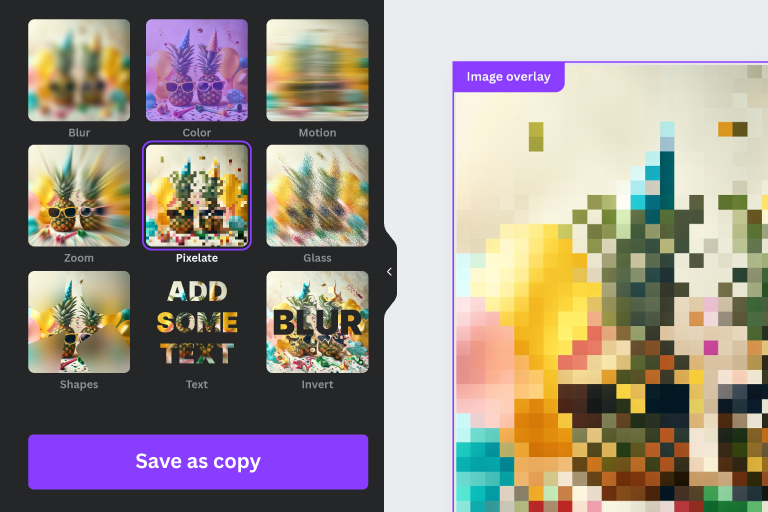
Download a small copy or export full size.
Use Frame Blur directly inside Canva to privacy-proof images before publishing, sharing, or exporting.
Open in
“The brush + shapes make it easy to hide personal info without wrecking the design. It feels like the fastest blur workflow I’ve used.”

“I blur receipts and customer details before sharing screenshots with my team. The export is clean and takes seconds.”

“Perfect for quick face blurs on crowd photos. The masks are precise, and I can keep brand visuals consistent in Canva.”
“I can anonymize names in screenshots fast. Pixelate is great when I need censorship to be obvious.”
“The results don’t look cheap. Great for quick mockups and demos when you need to hide private UI data.”
“Background blur looks natural, especially with feathered edges. It’s my go-to when I need speed over heavy editing.”

“I clean up screenshots for public posts in minutes. The shape masks are a lifesaver for hiding usernames.”
“The Canva integration is seamless. I blur faces and export without switching tools or re-uploading assets.”

“Great for blurring addresses and license plates in listing photos. Simple, fast, and the results look polished.”
New effects, smarter privacy tools, and the genuinely useful stuff.