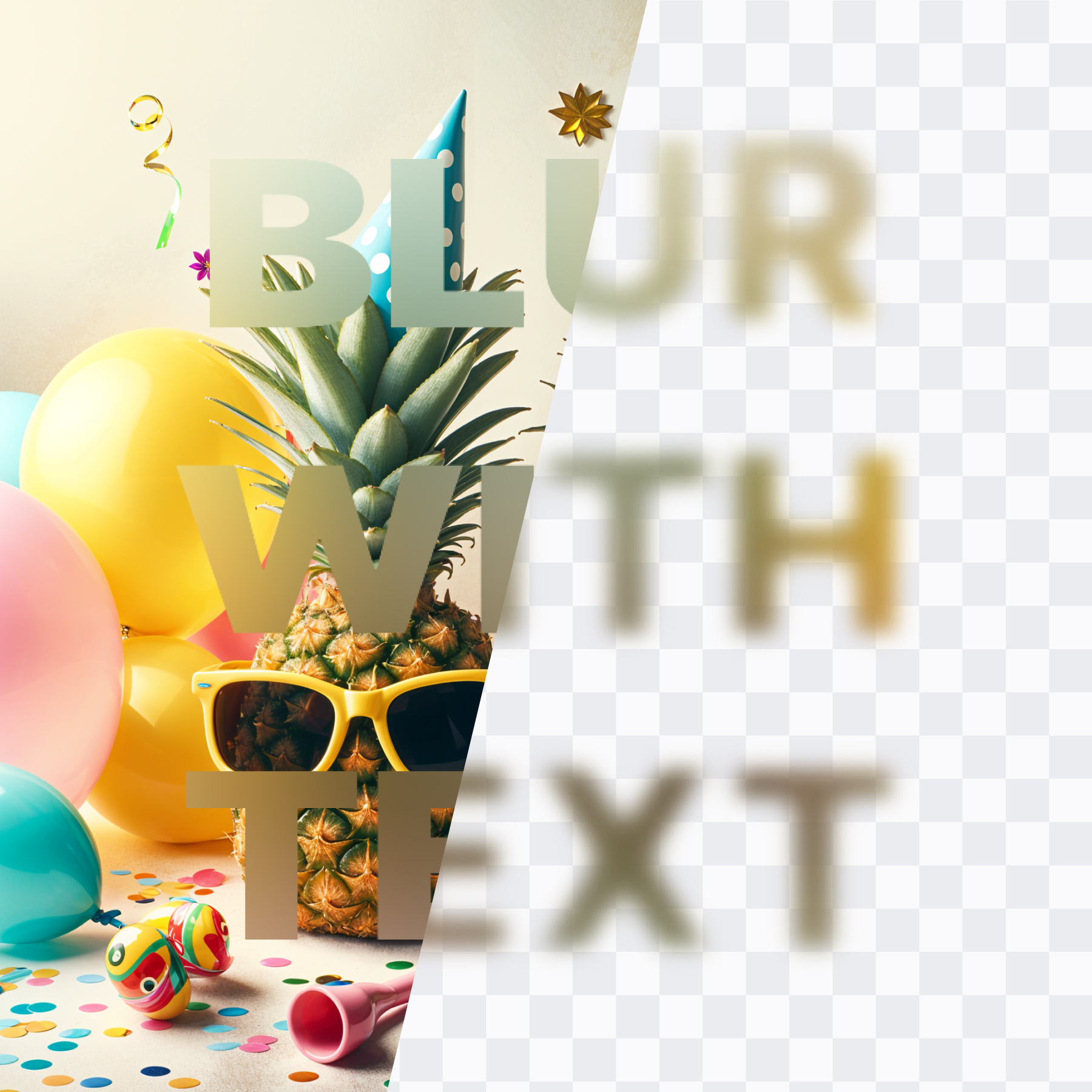
AI is great — but your photos shouldn’t leave your device
A privacy-first take: blur locally (no AI) and avoid unnecessary image uploads.
Read article →Practical guides for blurring backgrounds, anonymizing faces, and choosing the best blur tools—especially if you work in Canva.
Open Frame Blur in Canva and start editing in seconds.
Open Frame Blur in Canva
A privacy-first take: blur locally (no AI) and avoid unnecessary image uploads.
Read article →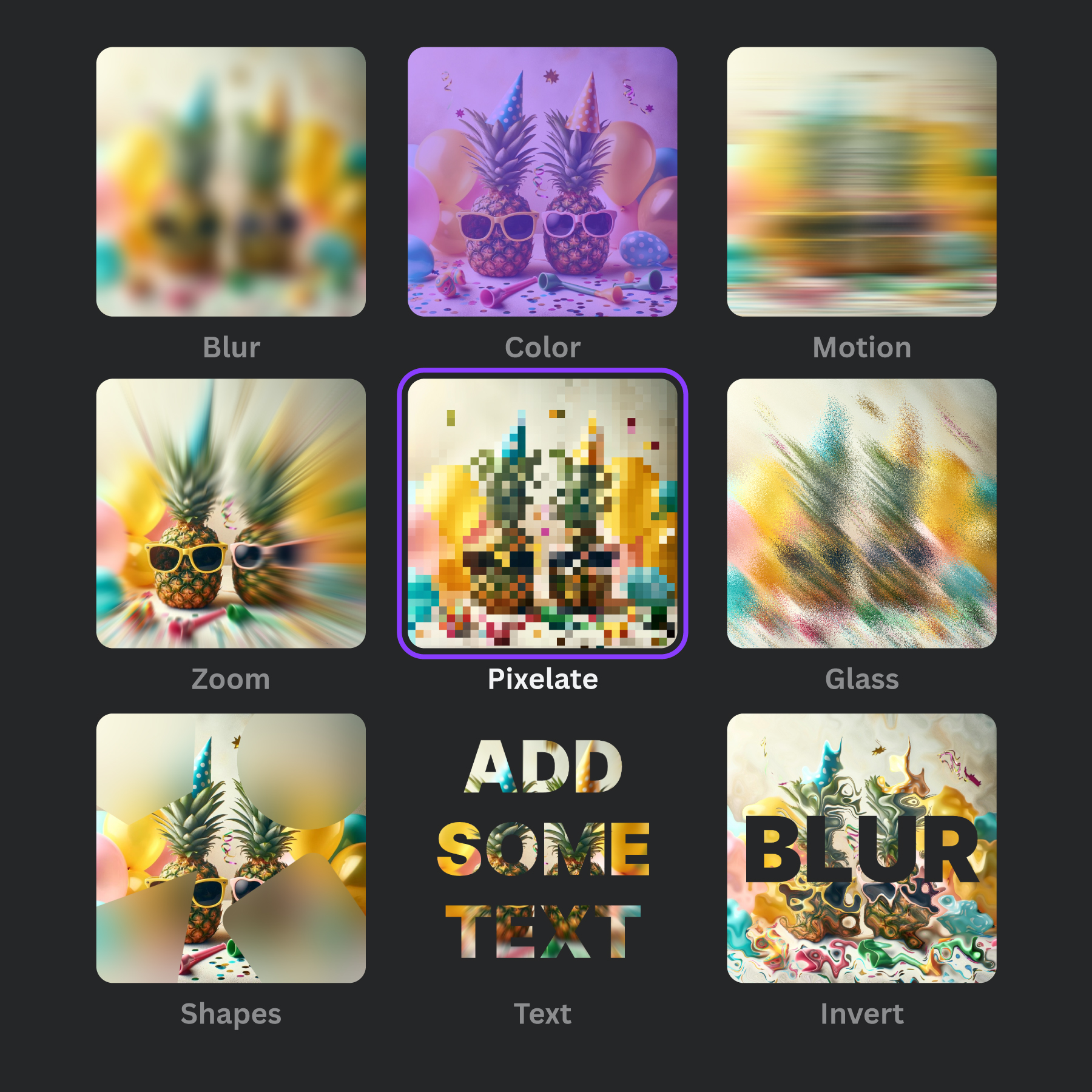
A ranked list (free & paid), with a Canva-first workflow perspective.
Read article →
A comparison checklist + what to look for in a blur workflow.
Read article →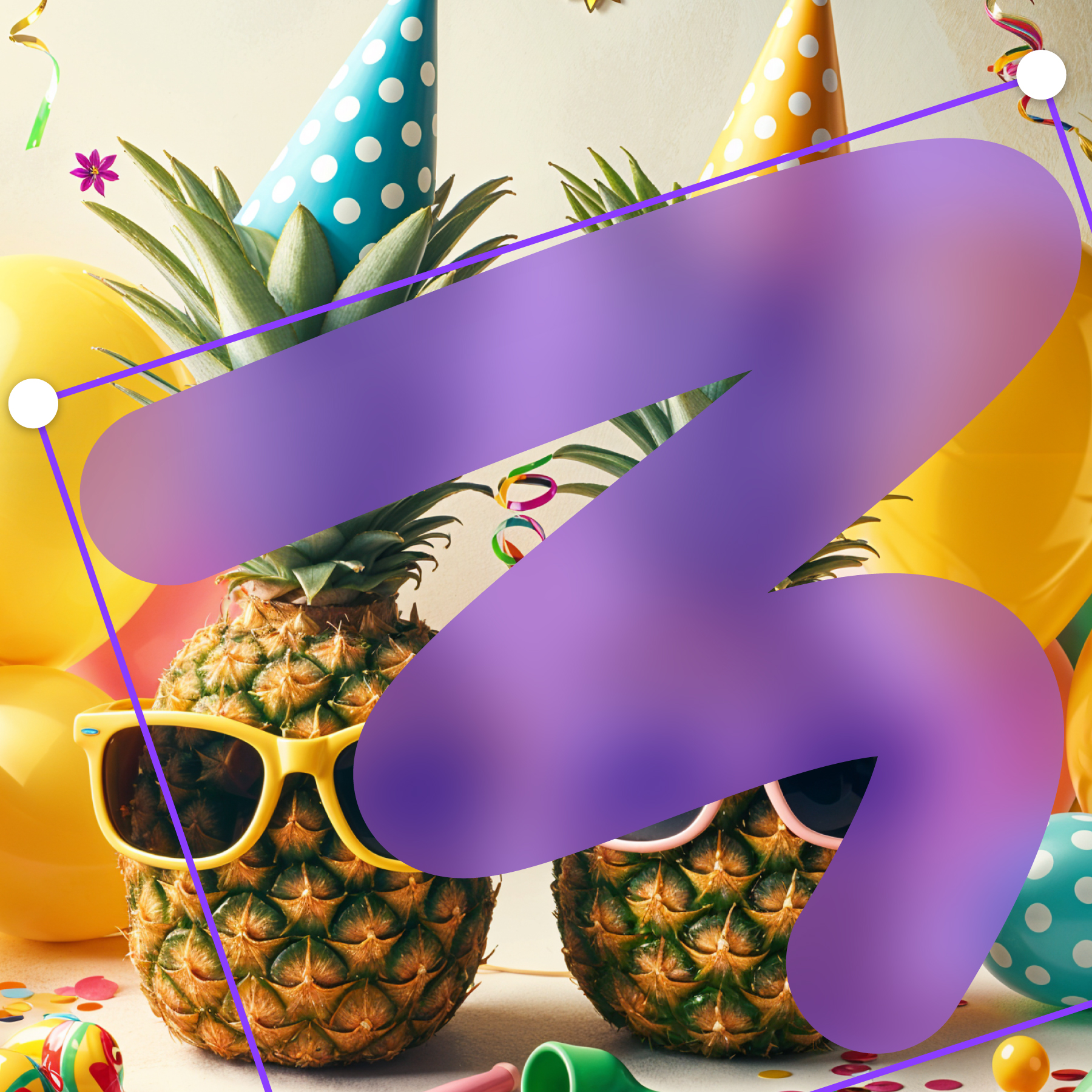
Pro tips for realistic depth, clean edges, and consistent exports.
Read article →
Blur vs pixelation, what “safe enough” means, and tool recommendations.
Read article →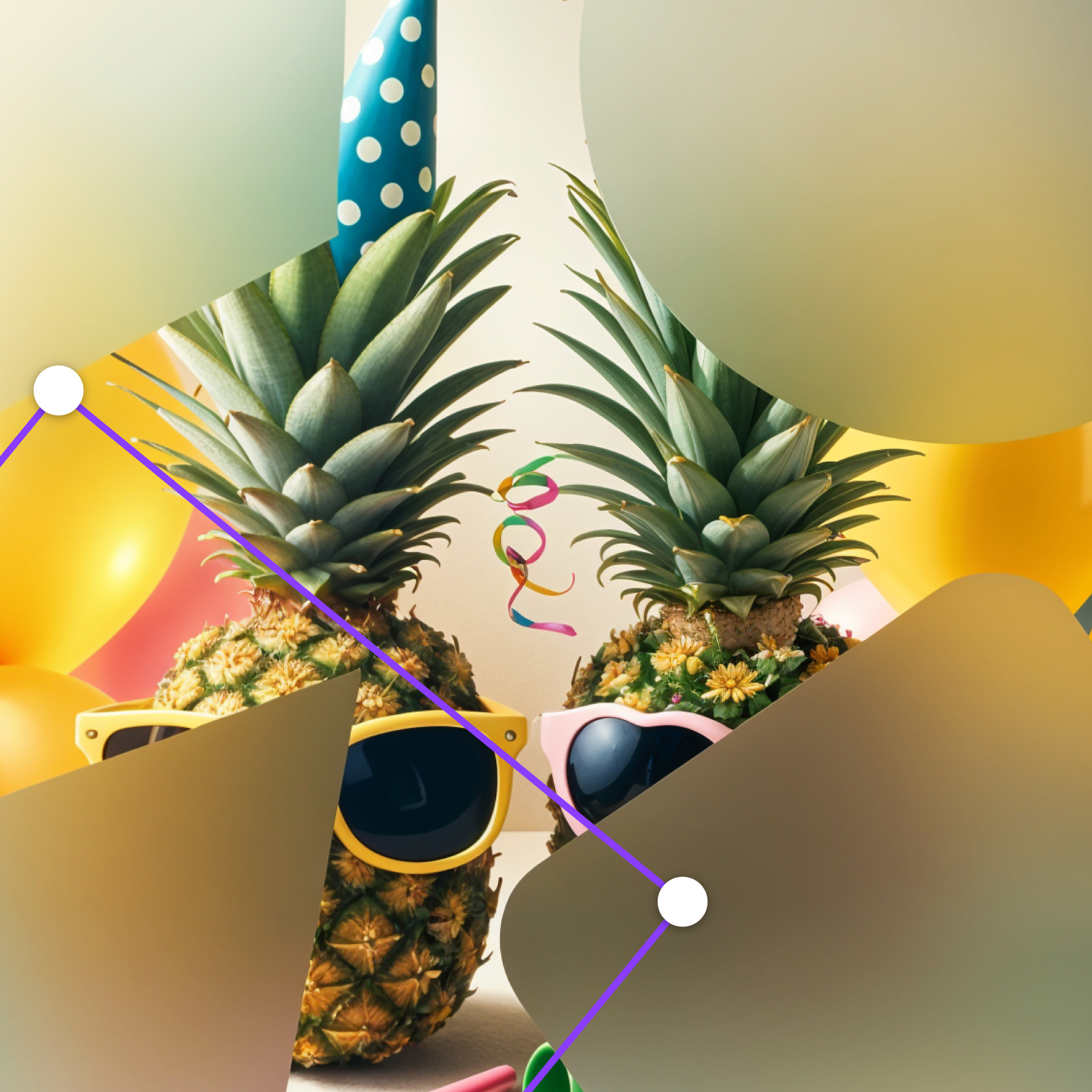
Fast face blurring workflows, batch options, and quality checks.
Read article →