Blur background online — make your subject pop
Create depth, hide clutter, and get a clean “portrait mode” look.
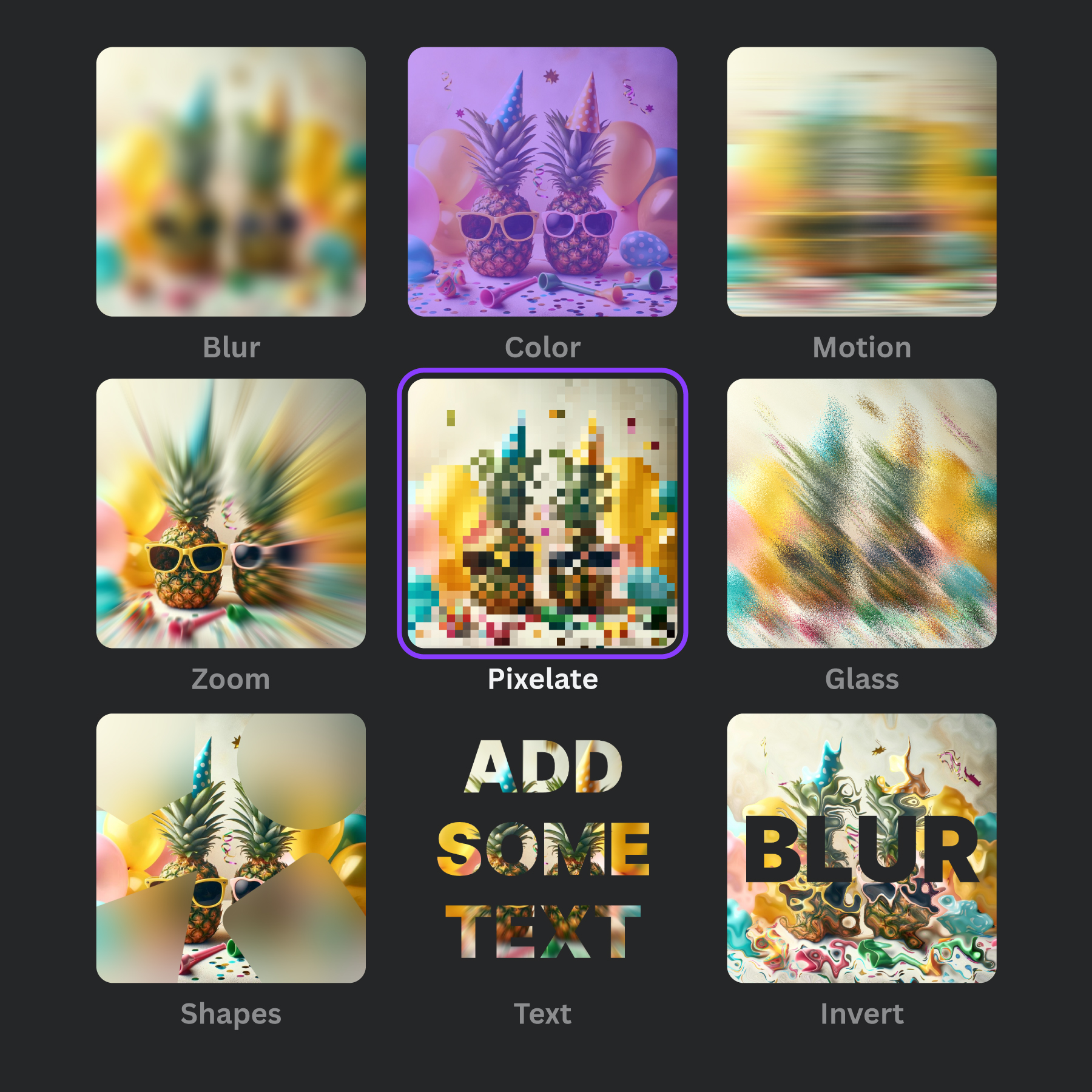
- Blur only the background (keep subject sharp)
- Brush + shapes for precise masking
- Free and fast downloads

Tip: For clean edges, use shapes around the subject or paint carefully around outlines.
Try it now
Upload → brush the background → download.
How to blur the background (3 steps)
- Upload your image in the editor.
- Mask the background with the brush (or shape masks).
- Increase blur intensity, then download.
Common use cases
Portraits, product photos, real-estate images, screenshots, and social posts.
FAQs
Background blur questions, answered.
How do I blur the background online?
Use Frame Blur and apply blur masks only to the background areas.
Can I keep the subject sharp?
Yes — don’t mask the subject. Only the masked regions are blurred.
Is it free?
Yes. You can blur backgrounds online for free.
Can I use pixelation instead of blur?
Yes — switch to Pixelate to create a privacy-friendly mosaic.
Will this work on mobile?
Yes. The editor is browser-based and works on modern devices.
Blur your background now
Clean, professional results in under a minute.
Open editor