Blur a face online (free) — protect privacy in seconds
Perfect for kids, crowds, social posts, and sensitive photos.
- Blur or pixelate faces
- Precise brush + shape masks
- Fast download, no signup

Best practice: zoom in and confirm the face is fully obscured before sharing.
Try it now
Upload a photo → brush over a face → download.
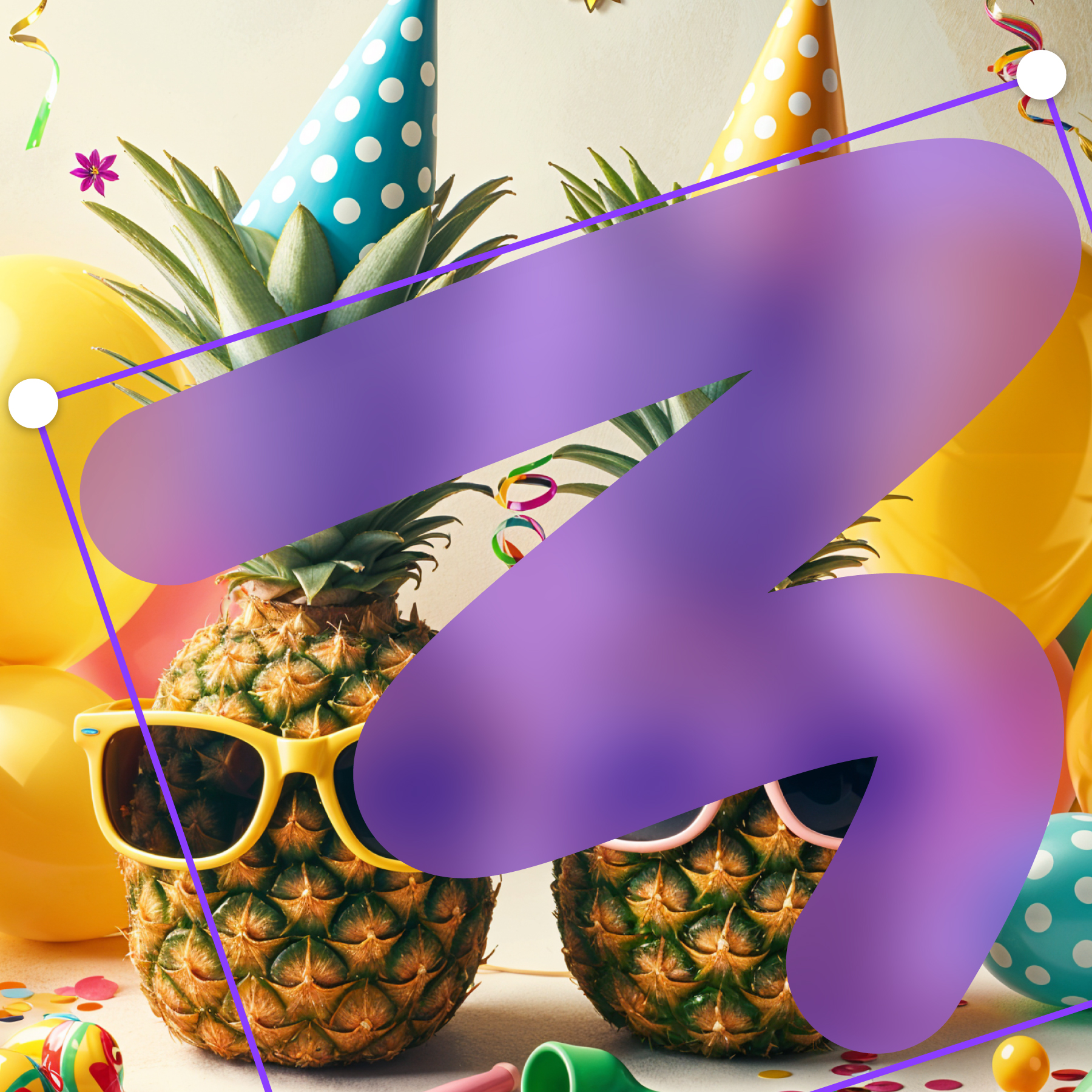
How to blur faces online
- Upload your photo in the editor.
- Use the brush (or a shape) to cover each face.
- Adjust blur/pixelate strength and download.
Works for more than faces
Also blur license plates, street addresses, documents, IDs, and any sensitive object.
FAQs
Quick answers about blurring faces online.
How do I blur a face online?
Open Frame Blur, upload your photo, then brush over the face (or use a shape mask).
Can I pixelate faces instead?
Yes — switch the effect to Pixelate for a mosaic censor look.
How do I blur multiple faces?
Add multiple masks (brush strokes or shapes) and position one over each face.
Is this free?
Yes. You can blur faces online for free.
Does it work on mobile?
Yes. Frame Blur is browser-based and works on modern phones and tablets.
Blur faces now
Upload a photo and anonymize it in seconds.
Open editor