Add motion blur to an image — online and free
Create dynamic motion effects for sports, cars, products, and social posts.
- Directional motion blur with angle control
- Mask only what you want to blur
- Fast export, no signup

Tip: Use shapes for clean edges on products; use brush for organic motion trails.
Try it now
Upload a photo, choose “Motion”, set angle + intensity, then download.
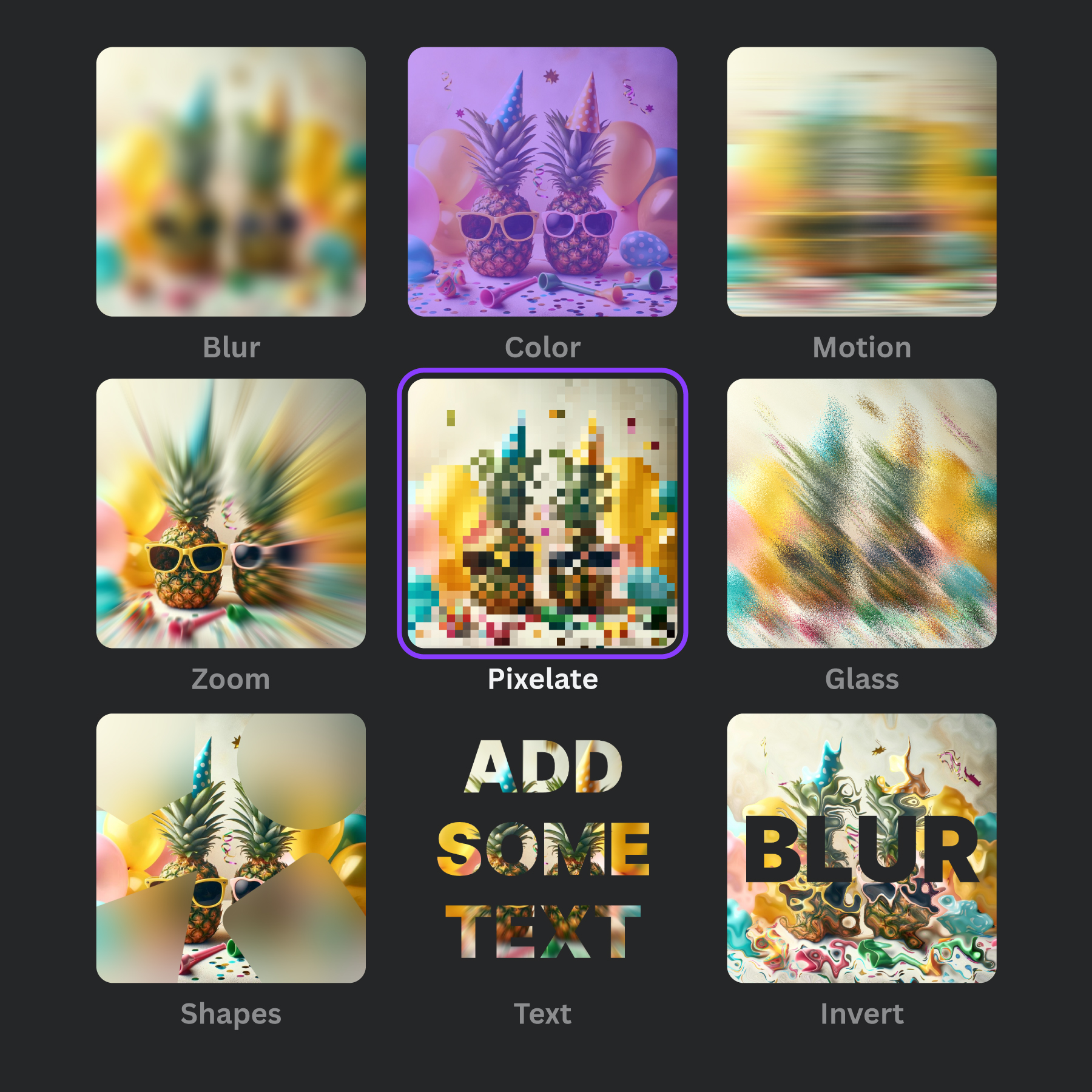
How to add motion blur (3 steps)
- Open the editor and upload your image.
- Mask the area where you want motion blur.
- Choose Motion blur, adjust angle + intensity, then download.
Best use cases
Sports edits, vehicles, product shots, action scenes, and creative social media visuals.
FAQs
Motion blur questions, answered.
How do I add motion blur to an image online?
Use Frame Blur: upload → mask → choose Motion effect → set angle + intensity → download.
Can I blur only one object?
Yes — mask just that object (or area) and leave the rest unmasked.
How do I control motion blur direction?
Set the Motion effect’s angle in the editor.
Is it free?
Yes. You can add motion blur online for free.
Can I use it in Canva?
Yes — Frame Blur is available as an official Canva app.
Ready to add motion blur?
Open the editor and create a dynamic look in minutes.
Open editor